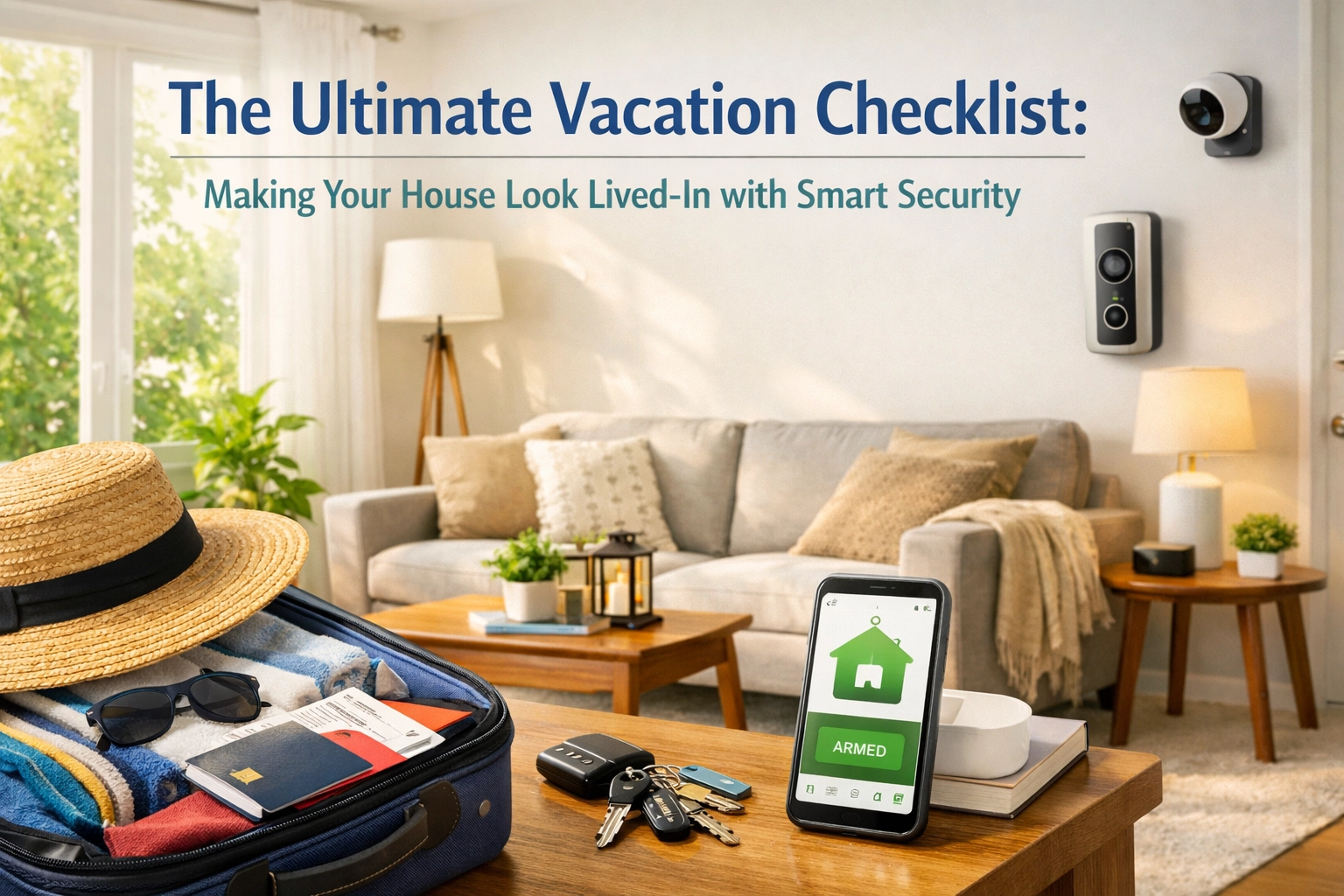
You've been planning this vacation for months. The last thing you want is to spend it worrying whether someone's breaking into your house back home.
Here's the truth: burglars specifically target homes that look empty. They cruise neighborhoods looking for dark windows, piled-up mail, and houses with zero signs of life. But with a professionally monitored ADT system and a little smart planning, you can make your home look occupied: even when you're thousands of miles away sipping margaritas.
This isn't about complicated tech setups. It's about using the tools you already have (or should have) to create the illusion that someone's home.
Let's walk through the ultimate vacation checklist.
877-664-0673
One Week Before You Leave: Test Everything
Don't wait until you're at the airport to discover your smart lock is offline or your motion sensors need new batteries. Test your entire system at least seven days before departure. This gives you time to troubleshoot, replace batteries, or call for tech support without the stress of a ticking clock.
Here's your pre-trip punch list:
- Arm your alarm system and walk through the house to trigger motion sensors. Make sure alerts hit your phone immediately.
- Check every door/window sensor by opening and closing them. Verify notifications appear in your app.
- Test your smart locks by locking and unlocking remotely from your phone.
- Review camera feeds from every angle: living room, front door, backyard, garage. Make sure the Wi-Fi signal is strong and video quality is clear.
- Inspect your internet setup: modem, router, and any Wi-Fi extenders. If your internet goes down while you're gone, your entire "occupied home" strategy collapses.
If anything's acting up, fix it now. A dead sensor or glitchy camera defeats the whole purpose.

Set Up Smart Lighting Schedules (The #1 Deterrent)
Burglars aren't dumb. They know a house with lights on 24/7 is just as suspicious as one that's pitch black. You need randomized lighting schedules that mimic real human behavior.
Here's how to do it right:
Interior Lights:
- Schedule living room and kitchen lights to turn on around sunset (6–7 PM) and off around 10–11 PM.
- Add bedroom lights that turn on later (around 9 PM) and off by midnight.
- Use randomization features in your smart home app so lights don't turn on at the exact same time every night. A 15–30 minute variation makes it look natural.
Exterior Lights:
- Set porch and driveway lights on motion sensors. When someone approaches, lights flick on: signaling someone's "home" and watching.
- Program front door lights to stay on from dusk until midnight, then turn off automatically.
Don't forget about upstairs and basement lights. A house where only the first floor lights up every night screams "automated timer." Rotate which rooms light up on different nights if your system allows it.
877-664-0673
Automate Other "Lived-In" Signals
Lights are critical, but they're not the only way to fake occupancy. Smart home systems let you control way more than just bulbs.
Turn on your TV in the evening. Many smart plugs or home automation platforms can power on your television between 7–10 PM. The glow from a TV flickering through your curtains is a dead giveaway that someone's home binge-watching Netflix.
Automate your blinds and curtains. If you have smart shades, program them to open in the morning (around 8 AM) and close at night (around 8 PM). This mimics your normal routine and makes it look like someone's managing the house.
Play music or a podcast on smart speakers. Some systems let you schedule audio to play at specific times. A house with faint background noise feels occupied.
The key is consistency with variety. You want patterns that feel human, not robotic.

Enable Vacation Mode and Remote Monitoring
Most professionally monitored systems: like ADT: have a "Vacation Mode" or "Away Mode" feature. This arms every zone in your house, including interior motion sensors that might normally stay off when you're home.
Here's what to activate:
- Arm all door and window sensors so any opening triggers an alert.
- Turn on interior motion detectors in hallways, living rooms, and basements.
- Enable push notifications for every event: door openings, motion detection, camera alerts, even water leak sensors.
- Set your video doorbell to record continuously or at least log every motion event at the front door.
With remote monitoring, you're not just hoping everything's fine. You're watching in real time. If your phone buzzes with a "front door opened" alert at 2 PM on Tuesday, you know something's wrong: and you can respond immediately by calling authorities or a trusted neighbor.
Give a Trusted Neighbor Temporary Access
Here's a move that makes your security even smarter: give a neighbor or friend a temporary access code to your smart lock.
Why? Because it creates a paper trail. Every time they enter your home to water plants, grab your mail, or just check on things, you get a notification. You'll see:
- Exactly when they arrived
- How long they stayed
- When they locked up and left
This isn't about spying: it's about accountability and peace of mind. Plus, if your neighbor notices something suspicious (a broken window, an open garage door), they can alert you immediately.
You can also grant temporary read-only camera access through some ADT systems, so your neighbor can check your cameras without full control of your alarm system.

While You're Away: Stay Alert
Don't just set everything up and forget it. Check your security app daily while you're on vacation. It only takes 60 seconds.
Look for:
- Unexpected "door ajar" alerts or repeated sensor triggers
- Motion detected in rooms that should be empty
- Camera alerts showing people or vehicles near your property
- Any system offline notifications (camera disconnected, sensor battery low, etc.)
If you see anything weird, you can take action immediately: whether that's calling your monitoring center, contacting local police, or asking your neighbor to swing by.
When You Return: Switch Off Vacation Mode
Once you're home, don't forget to turn off Vacation Mode and revert your system back to your normal daily settings. Disarm interior motion sensors (unless you want them active at night), restore your usual light schedules, and review any alerts or footage you might've missed.
If anything seemed suspicious while you were gone: repeated alerts, weird camera activity, or sensor malfunctions: take 10 minutes to review the footage and fine-tune your settings for next time.
Your Home Deserves This Level of Protection
Vacation should be about relaxing, not refreshing your security app every five minutes in a panic. With professional ADT monitoring and smart automation, you get real peace of mind: not just the illusion of it.
Your house looks lived-in. Your cameras are watching. Your alarm is armed. And if anything goes wrong, ADT's monitoring team is already calling authorities before you even see the alert.
That's the difference between DIY gadgets and professional security. You're not managing this alone.
877-664-0673