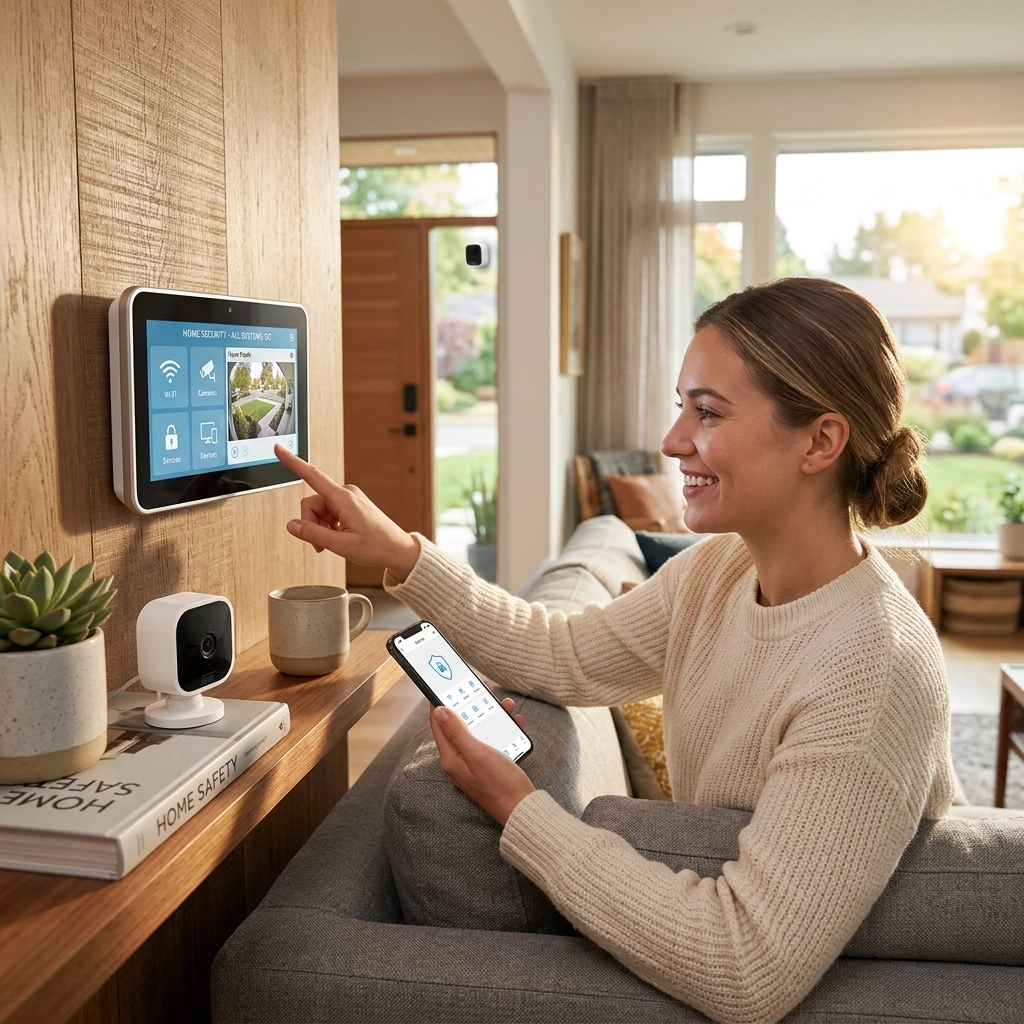
You deserve to feel safe in your own home. When you pull up your security camera feed on your smartphone, you expect to see what is happening in real-time. Whether it is checking on a package delivery or investigating a strange noise in the backyard, seconds matter.
Unfortunately, technology isn't always perfect. If you’ve ever experienced a "spinning wheel of death," choppy video, or delayed notifications, you know how frustrating a lagging wireless security system can be. More importantly, a laggy system is a vulnerable system. If your cameras are behind by even ten seconds, you aren’t getting the protection you paid for.
You’ve worked hard for your home and your family's peace of mind. You shouldn’t have to settle for "good enough" security. In this guide, we will break down the ten most common reasons your wireless security system is lagging and show you exactly how to fix it: or better yet, how to get the professionals to handle it for you.
1. Distance From the Router
The most common cause of wireless lag is simply the distance between your security cameras and your home’s WiFi router. Wireless signals degrade as they travel through space. If your camera is mounted on the far corner of your garage but your router is in the basement office, the data has a long way to travel.
🔴 The Fix: Move your router to a central location in your home. If that isn't possible, you may need a signal booster. However, the best solution is a professionally managed wireless mesh provided by ADT, which ensures every corner of your property stays connected.

2. Signal Interference
Your home is filled with invisible signals. Everything from your microwave and baby monitor to your neighbor’s WiFi can interfere with your security system. Most older wireless systems operate on the 2.4 GHz frequency, which is notoriously "crowded." When too many devices try to talk at once, your security data gets stuck in a digital traffic jam.
🔴 The Fix: Switch your router to a different channel if possible. Modern systems use dual-band technology to move security traffic to a clearer frequency. Professional installation ensures your system is configured to avoid these common interference points.
3. Physical Obstructions
It’s not just other signals that block your WiFi; it’s your house itself. Materials like brick, concrete, metal studs, and even large mirrors can bounce or absorb wireless signals. If your camera signal has to pass through a chimney or a heavy steel door, you’re going to experience significant lag.
🔴 The Fix: Relocate the camera or the access point to minimize the number of walls the signal must pass through. If you are struggling with thick walls, a hardwired solution or a sophisticated mesh network is your best bet for 24/7 reliability.
4. Low Internet Bandwidth
Your security system is a data hog. High-definition video requires a lot of "upload" speed to reach the cloud or your phone. If your kids are gaming in the next room and your spouse is streaming a movie in 4K, there might not be enough bandwidth left for your cameras to transmit smoothly.
🔴 The Fix: Check your internet plan's upload speeds. Most people focus on download speed, but for security, upload is king. You may need to upgrade your internet package or dedicated a specific portion of your bandwidth to your security system.

5. Battery Issues and Power Save Modes
Many DIY wireless cameras rely on batteries to function. To save power, these cameras often go into a "deep sleep" mode. When the camera detects motion, it has to "wake up," connect to the WiFi, and then start recording. This process can cause a lag of 2 to 5 seconds: which is long enough for an intruder to move out of the frame.
🔴 The Fix: Ensure your cameras are fully charged. Better yet, opt for a system that includes professional installation where cameras can be strategically placed with dedicated power sources. This eliminates the "wake-up" lag and keeps your home under a watchful eye at all times.
6. Outdated Firmware
Like your smartphone or computer, your security system runs on software called firmware. Manufacturers release updates to fix bugs, patch security holes, and improve performance. If you haven't updated your system in months, it might be running inefficiently, leading to slow response times.
🔴 The Fix: Check your security app for firmware updates regularly. If you find this tedious, ADT offers service and repairs included in many plans, meaning your system is always kept up to date by experts who know how to keep it running at peak performance.
7. Overloaded Camera Settings
Everyone wants 4K video quality, but not every network can handle it. If you have your cameras set to the highest possible resolution, bitrate, and frames per second, you might be overwhelming your router’s ability to process the data. This leads to buffering and lag.
🔴 The Fix: Lower the resolution slightly. Often, 1080p is more than enough for clear facial recognition and provides a much smoother stream than 4K on a standard home network.

8. Network Congestion (Too Many Devices)
The average modern home has dozens of connected devices: smart TVs, tablets, smart lights, fridges, and thermostats. Each of these takes a small "bite" out of your network’s capacity. Eventually, the router gets overwhelmed, and the most data-heavy devices (your cameras) are the first to suffer.
🔴 The Fix: Create a "Guest Network" specifically for your smart home devices or, better yet, use a dedicated security hub. ADT systems use professional-grade equipment designed to handle high-traffic environments without slowing down.
9. Subpar Hardware Quality
Not all security systems are created equal. Many "budget" wireless cameras use cheap WiFi chips that struggle to maintain a stable connection. If the hardware itself is the bottleneck, no amount of router moving will fix the lag.
🔴 The Fix: Invest in professional-grade equipment. When you choose an ADT authorized dealer, you are getting industry-leading hardware backed by over 145 years of experience. Don't gamble your family's safety on a bargain-bin camera.
10. Lack of a Professionally Managed Mesh
The ultimate reason for lag is a lack of infrastructure. DIY systems are often "plug and play," but they don't account for the unique layout and challenges of your home. A single router is rarely enough for a modern smart home.
🔴 The Fix: The most effective fix is a professionally managed wireless mesh. This involves placing multiple nodes throughout your home that communicate with each other, creating a blanket of high-speed connectivity. This ensures that your security system has its own "express lane" for data, virtually eliminating lag.

Why Professional Installation Makes the Difference
You deserve the peace of mind that comes with knowing your system was installed correctly the first time. DIY systems are tempting, but they often lead to the very lag and connectivity issues we've discussed today. When you choose professional installation through an ADT authorized dealer, you aren't just buying cameras: you are buying a complete security solution.
Why choose professional help?
- Expert Placement: Professionals know exactly where to place cameras to avoid interference and maximize signal strength.
- Remote Alarm Monitoring: With ADT Remote alarm monitoring, your home is watched over 24/7 by trained professionals who can dispatch emergency services the moment a threat is detected.
- Service & Repairs Included: You don't have to worry about troubleshooting lag or hardware failures. Our experts handle the maintenance so you don't have to.
- The Mesh Advantage: We provide a robust, professionally managed wireless network that ensures your smart home and security devices never compete for signal.
Don't wait for a laggy camera to fail you when it matters most. Take control of your home's safety today. You deserve a system that works instantly, every time.

Get Started with Professional Protection Today
🔴 Professional Grade Equipment
🔴 24/7 Professional Monitoring
🔴 Same-Day Installation Available
🔴 Peace of Mind Guaranteed
Call today to speak with your Authorized ADT Specialist at
877-664-0673