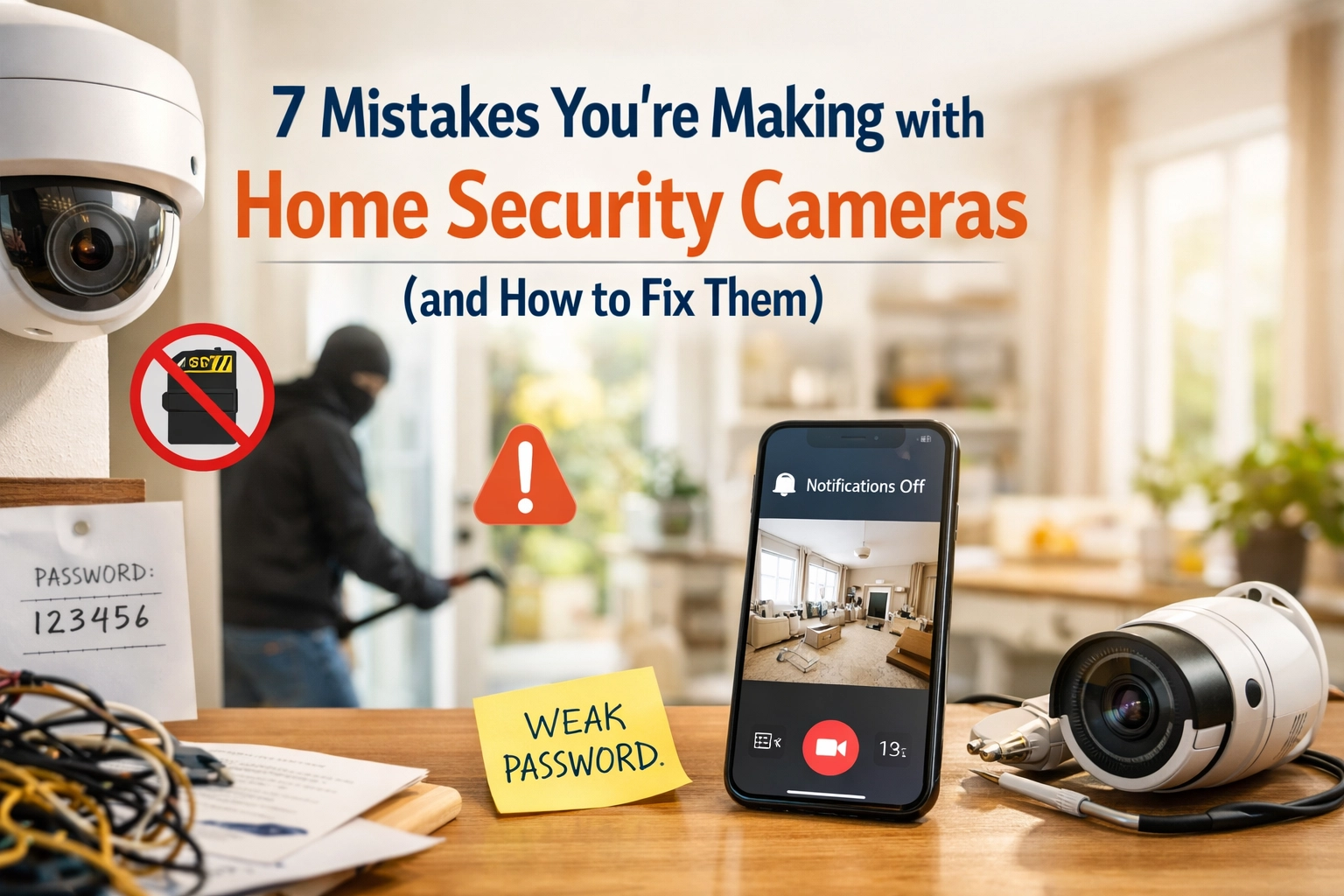
You invested in home security cameras to protect your family and property. But are they actually doing their job?
Most homeowners make critical mistakes during security system installation that leave their homes vulnerable. Cameras pointed at the wrong angles. Blind spots you didn't know existed. Night vision that's completely useless.
The good news? These mistakes are easy to fix once you know what to look for.
Let's walk through the seven most common home security camera mistakes: and how to correct them so your wireless security systems actually protect what matters most.
Mistake #1: Installing Cameras at the Wrong Angles
Here's the thing: if your camera can't capture a clear face, it's basically useless as evidence. Too many people mount cameras too high on walls, creating a bird's-eye view that only shows the tops of people's heads.
The Fix: Position your cameras at eye level whenever possible. Focus on entry points first: front doors, back doors, garage entrances, and gates. These are where intruders will enter, and you need clear facial shots.
Test your camera views during both day and night before permanently mounting them. Walk through the camera's field of view yourself. Can you see your face clearly? If not, adjust the angle until you can.

Mistake #2: IR Reflection Ruining Your Night Vision
Your camera looks great during the day, but at night, all you see is a blurry white mess. What's happening? The infrared lights your camera uses for night vision are bouncing off nearby walls or reflective surfaces right back into the lens.
The Fix: Before you drill those final mounting holes, test your camera's night vision in its intended location. Hold it up and check the live feed on your phone or monitor after dark. If you see glare or a washed-out image, move the camera away from reflective surfaces like white siding, pipes, or glass.
This is where professional installation makes all the difference. With 145+ years of security expertise, ADT-authorized dealers know exactly how to position cameras for optimal day and night performance.
Mistake #3: Camera IR Lights Fighting Each Other
You installed multiple cameras for better coverage: smart move. But now one camera's infrared light is creating glare on another camera's lens, especially at night.
The Fix: Space your cameras appropriately. Before final installation, turn on all cameras at night and check each feed. If you notice glare or washed-out areas where cameras overlap, adjust the spacing.
Professional security system installation takes these technical details into account from the start. You get proper camera placement without the trial-and-error frustration.
Mistake #4: Not Having Enough Coverage
Those budget camera kits seem like a great deal: until you realize two cameras can't possibly cover your entire property. You've got blind spots everywhere, and intruders know it.
The Fix: Assess your property honestly. How many entry points do you have? Do you need indoor cameras too? Most homes need at least 4-6 cameras for comprehensive coverage.

Ready for Professional Installation That Actually Works?
Get a custom security system designed for your home: backed by ADT’s 24/7 professional monitoring.
📞 Call 877-664-0673
Here's the good news: As an ADT Authorized Dealer, we offer a $500 equipment voucher to customize your system exactly how you need it. No cookie-cutter packages. Just real protection designed for your property.
Systems start at just $55.99/month with 24/7 professional monitoring. That's real people watching your home around the clock: not just recordings you check after something bad happens.
Mistake #5: Installing Wireless Cameras Beyond WiFi Range
Wireless security systems sound convenient: no messy cables to run. But wireless doesn't mean unlimited range. Most cameras only work reliably within 30-100 feet of your WiFi router.
Install a camera too far away, and you'll get choppy video, constant disconnections, and missed footage during critical moments.
The Fix: Test your WiFi strength before mounting cameras in distant locations. Use your smartphone to check signal strength, or run a speed test in the area where you plan to install the camera.
If the signal is weak, you have options:
- Add a WiFi extender to boost signal strength
- Choose cameras with built-in WiFi extenders
- Reposition the camera closer to your router
- Consider a wired camera system for distant locations
Professional installers measure signal strength as part of the installation process. They'll identify weak spots and recommend solutions before you waste time on a camera that won't work reliably.

Mistake #6: Leaving Cables Exposed to the Elements
Even if you have wireless security systems, some cameras still need power cables. And if those cables are just hanging there exposed to the weather, you're asking for trouble.
UV sunlight breaks down plastic cable coating over time. Exposed wires are also easy targets for anyone who wants to disable your cameras before breaking in.
The Fix: Hide and protect your cables. Run them through eaves, walls, or conduit. Use junction boxes where cables connect. This protects them from weather damage and tampering.
DIY installations often leave cables exposed because running them properly requires tools and know-how most homeowners don't have. Professional security system installation includes proper cable management as standard: no exposed wires, no weak points.
Mistake #7: Skipping the Pre-Installation Test
This might be the biggest mistake of all. You spend hours mounting cameras, drilling holes, running cables: only to discover the camera doesn't work, the app won't connect, or the video quality is terrible.
The Fix: Always test your equipment indoors first. Set up each camera, connect it to your network, and verify everything works before you start drilling holes in your walls.
Check these things during your test:
- Does the camera power on properly?
- Can you view the feed on your phone or computer?
- Is the video quality acceptable?
- Does night vision work without glare?
- Can you access recorded footage?
Once everything checks out, then: and only then: should you proceed with permanent installation.
Get It Right the First Time
Look, we get it. DIY home security cameras seem like a money-saving move. But after factoring in your time, the learning curve, and the mistakes you'll inevitably make, professional installation makes a lot more sense.
As an ADT Authorized Dealer, we bring over 145 years of security expertise to every installation. Our technicians know how to position cameras for maximum coverage, optimize night vision, and integrate everything into a complete security system that actually protects your home.

You're not just getting cameras: you're getting 24/7 professional monitoring by trained security specialists. When your alarm triggers, real people respond immediately. They can verify threats using your camera footage, contact you, and dispatch emergency services if needed.
That's the difference between a camera system and real security.
Plus, we back everything with a 6-Month Money Back Guarantee. Try the system risk-free. If you're not completely satisfied, you get your money back. No hassles, no questions asked.
Your family deserves protection that works flawlessly from day one. You deserve the peace of mind that comes from knowing your security system was installed correctly by professionals who've done this thousands of times.
Get Your Free Security Assessment Today
Custom systems starting at $55.99/month with 24/7 professional monitoring. Plus get a $500 equipment voucher!
📞 877-664-0673
Don't leave your home's security to chance. Get a professionally installed system that works right the first time: and keeps working to protect what matters most.